Tech Buyer's Guide · Cameras · 2026
Best 360 Camera for Beginners: A Practical 2026 Buyer's Guide
Gear I actually use: I run the Insta360 X3, X4, and X5 as my 360 cameras, plus the DJI Osmo 360. Everything in this guide marked "gear I use" is something that is actually in my bag and that I have shot with, not just a spec sheet I read. GoPro Max, the Ricoh Theta line, the Kandao QooCam 3, and the discontinued Insta360 ONE X2 are included below because they genuinely fill use cases my own gear does not cover as well — but I'm calling that out clearly rather than blurring it.
⚡ Key Takeaways
- The Insta360 X4 is my top pick for beginners in 2026 — it is the best balance of image quality, stabilization, and app-based editing, and it is gear I actually shoot with
- The Insta360 X5 is not harder to use than the X4 — same app, same workflow — it is simply not necessary for most beginners given the price jump
- Beginner-friendly 360 cameras typically capture at 5.7K to 8K, then reframe down to standard 16:9 clips for social sharing
- You do not need desktop software to start. The Insta360 and GoPro mobile apps handle stitching, stabilization, and reframing automatically
- Most current top models are waterproof out of the box (33 ft/10m or similar), so you can shoot in rain, snow, and shallow water without a case
- Expect to spend $300 to $550 for a capable beginner camera, plus a 128GB or 256GB V30 microSD card
- Common mistakes: forgetting to hide the selfie stick, shooting in low light, and skipping the mobile app's auto-reframe tools
What Is a 360 Camera and How Does It Work?
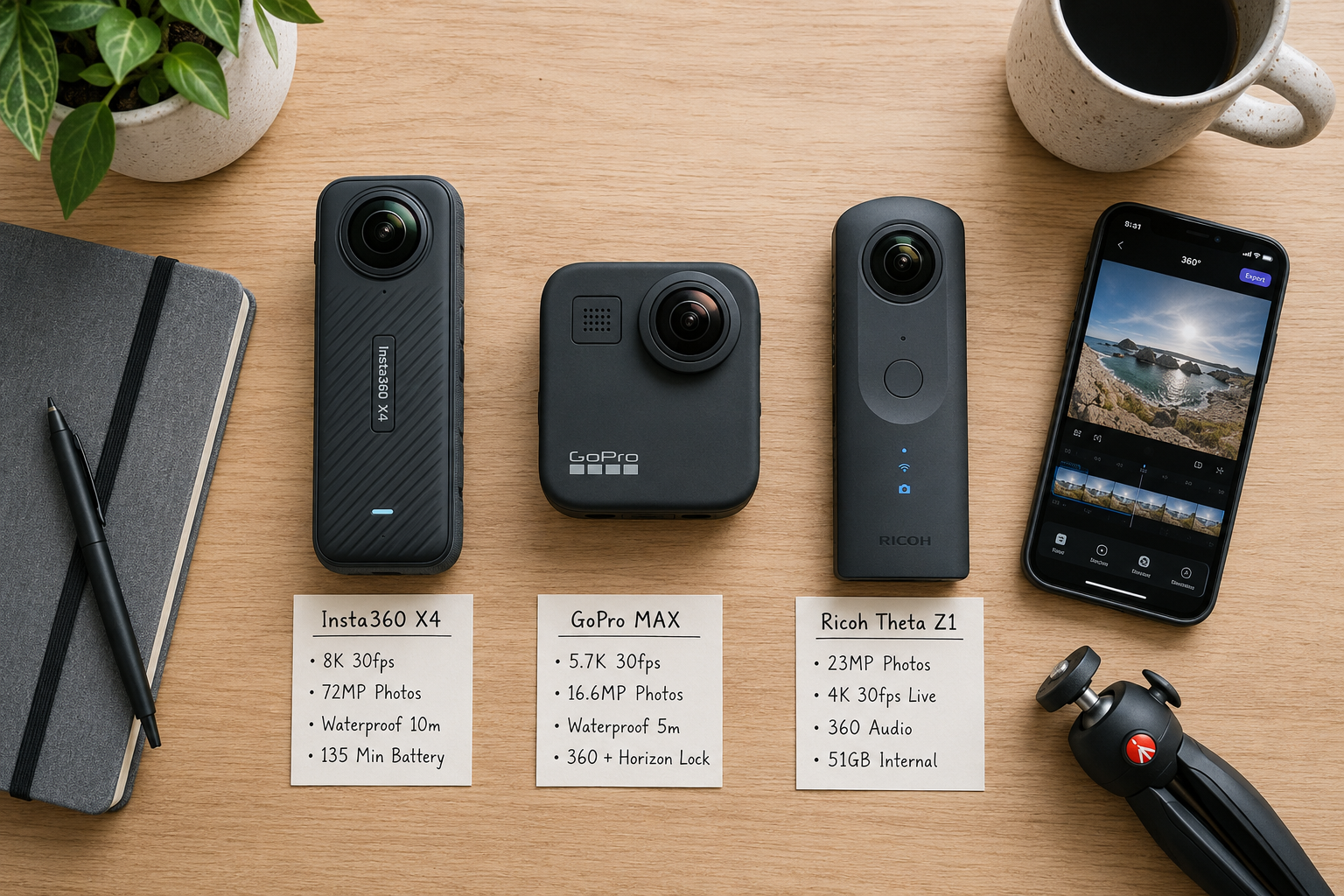
The best 360 camera for a beginner is one that does the hard work for you, and that starts with understanding how the format works. A 360 camera uses two ultra-wide fisheye lenses pointed in opposite directions to capture everything around it in a single shot. The camera and its app stitch those two hemispheres into one spherical image or video you can pan, tilt, and reframe after the fact.
That "shoot now, aim later" workflow is the core beginner appeal. You do not need to compose the frame perfectly in the moment — you point the camera roughly toward the action, then crop a normal-looking video out of the sphere later using the app's reframe tools. Every X-series model I own applies automatic horizon leveling and stabilization on-device, so shaky handheld footage becomes usable without extra work.
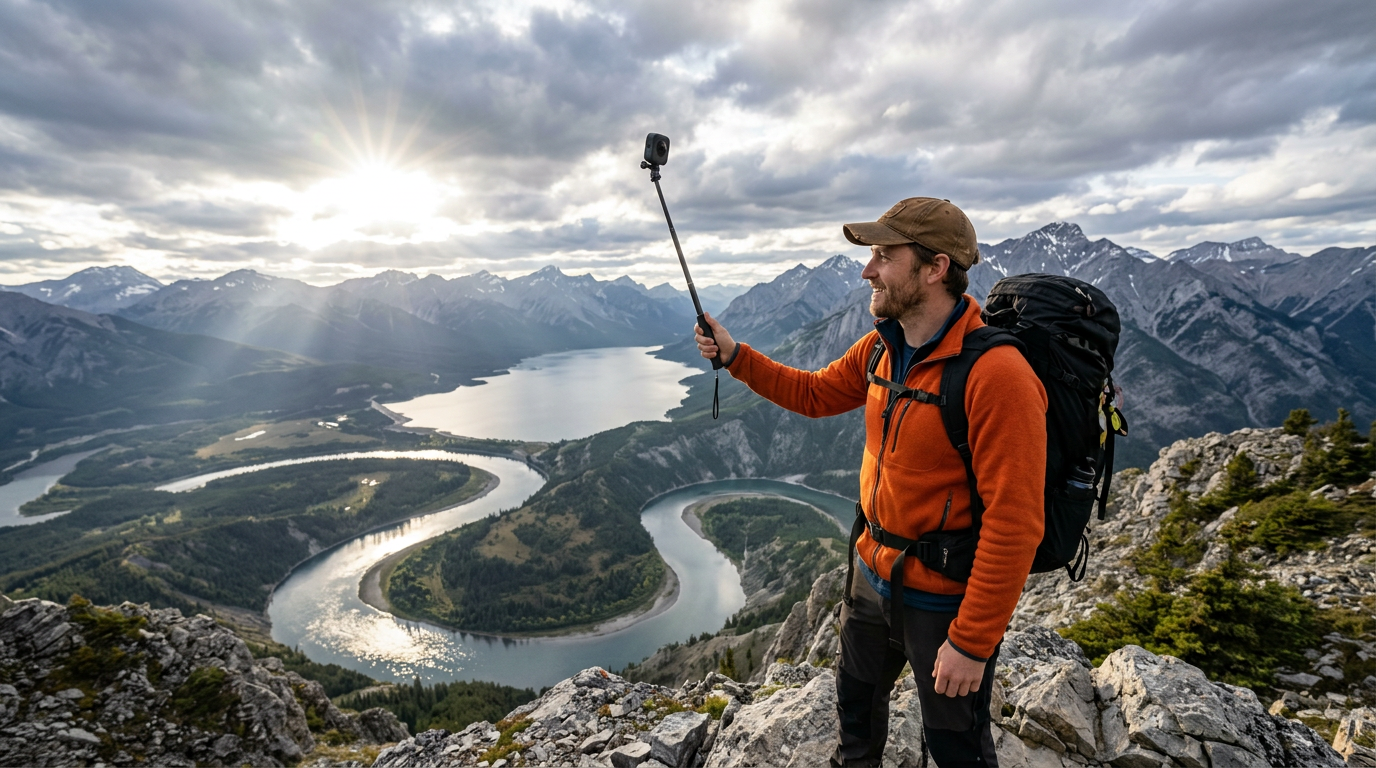
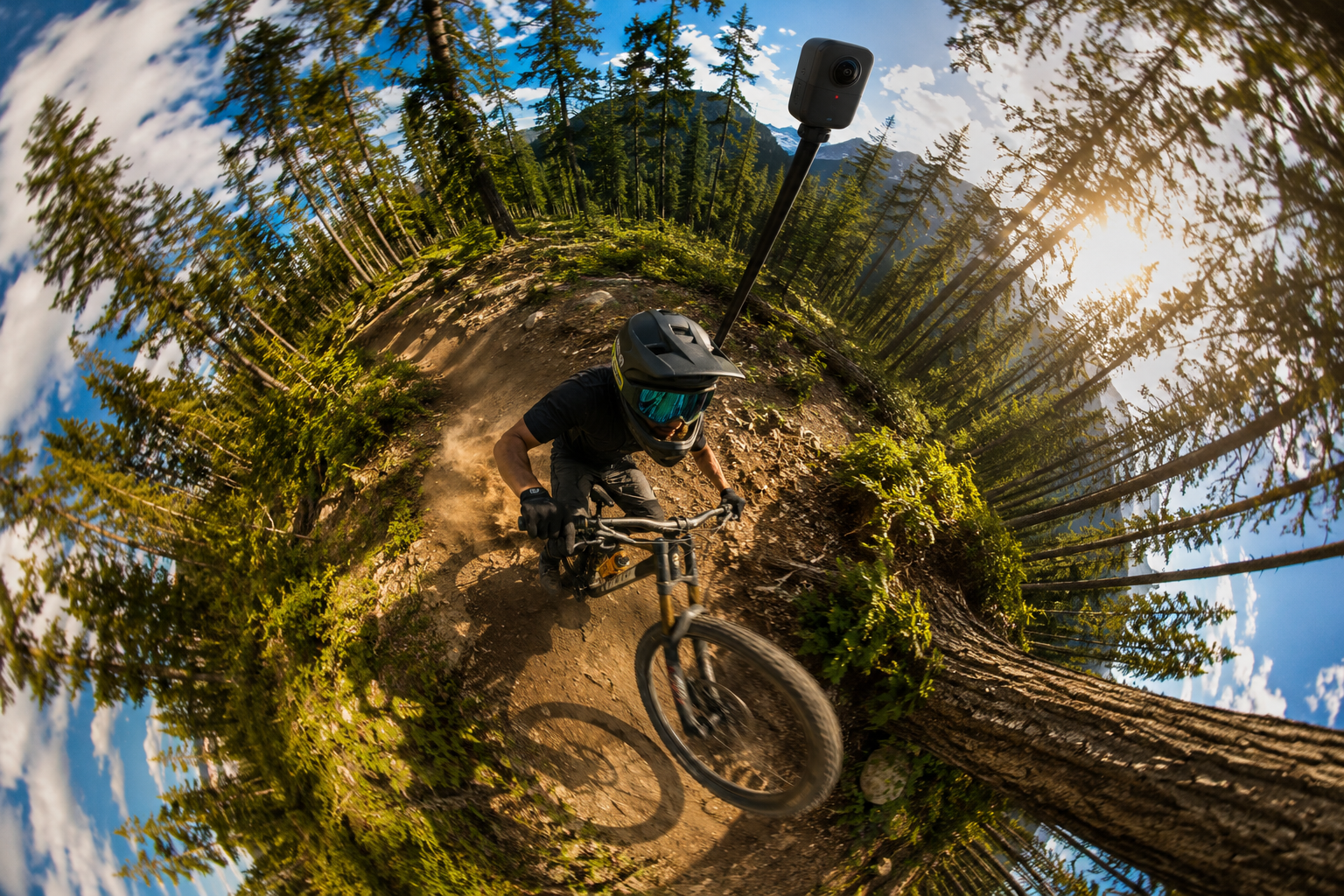
Quick example: Mount an Insta360 X4 on a selfie stick while hiking. The stick disappears in the final video (Insta360 calls this "invisible selfie stick"), and you get a floating, third-person, drone-like shot without a drone.
Is the Insta360 X5 Too Much Camera for a Beginner?
No — not in terms of difficulty. I own and shoot with the X3, X4, and X5, and the learning curve is identical across all three. Same app, same auto-reframe tools, same "point and shoot, edit later" workflow. If you can use the X3, you can use the X5 on day one.
What actually changes as you move up the line is price and image quality headroom, not complexity:
- Sensor size and low-light performance: The X5 uses larger 1/1.28-inch sensors than the X4, which genuinely helps in dim conditions — a scenario most beginners are not shooting in during their first few months.
- Resolution: Both the X4 and X5 shoot up to 8K 360 video; the practical difference shows up mostly in low light and in demanding reframes, not in everyday clips.
- Price: The X5 typically runs $150–$200 more than the X4. That is the real "too much" — not the interface.
For more on how the X5 compares directly, see my complete Insta360 X4 review.
What Are the Best 360 Cameras Under $350?
Under $350, the best options are the Insta360 X3 (often on sale around $280–$330), older refurbished Insta360 ONE X2 units, and the Ricoh Theta SC2 for still-image work. These remain the most realistic sub-$350 picks in 2026, though prices fluctuate.
Here is how the budget tier stacks up:
| Camera | Price (approx.) | Max 360 Video | Waterproof | Best For |
|---|---|---|---|---|
| Insta360 X3 — gear I use | $330 | 5.7K | 33 ft (10m) | All-around beginners |
| Insta360 ONE X2 (refurb) | $250 | 5.7K | 33 ft (10m) | Budget action/travel |
| Ricoh Theta SC2 | $299 | 4K | Splash-proof only | Real estate, still photos |
| Kandao QooCam 3 | $349 | 5.7K | 65 ft (20m) | Diving/underwater |
Insta360 X3 ($330) — gear I use
- 5.7K 360 video, FlowState stabilization, 33 ft waterproof body
- Same reframe and auto-editing workflow as the X4 and X5, just capped at a lower resolution
Decision rule: If you plan to reframe video for YouTube or Reels, go Insta360. If you mostly want quick 360 photos for listings or virtual tours, the Ricoh Theta series is simpler and cheaper — though it is not gear I personally shoot with.
For related budget gear that pairs well with a starter 360 camera, see my breakdown of the best 4K action cameras.
360 Camera vs GoPro: Which Is Better for Beginners?
Short answer: For pure ease of use and creative flexibility, a 360 camera like the Insta360 X4 is better for beginners. A standard GoPro (like the HERO13, which I also own) gives sharper single-direction video and is more familiar if you have shot video before.
- 360 camera pros: No framing pressure, invisible selfie stick shots, easy reframing in-app, one-camera coverage of any scene.
- 360 camera cons: Lower resolution per crop, larger files, weaker low-light performance (less true on the X5).
- Traditional action cam pros: Sharper image, better low-light, smaller form factor, cheaper accessories.
- Traditional action cam cons: You have to aim and compose in real time.
I compared both worlds head-to-head in my Insta360 Ace Pro vs GoPro Hero 12 review. I personally run both: 360 cameras for travel and vlogs, GoPro and Ace Pro for tighter action shots.
The best 360 camera for beginners is the one that gets edits done on your phone in five minutes, not the one with the highest spec sheet.
Do I Need Special Software to Edit 360 Camera Footage?
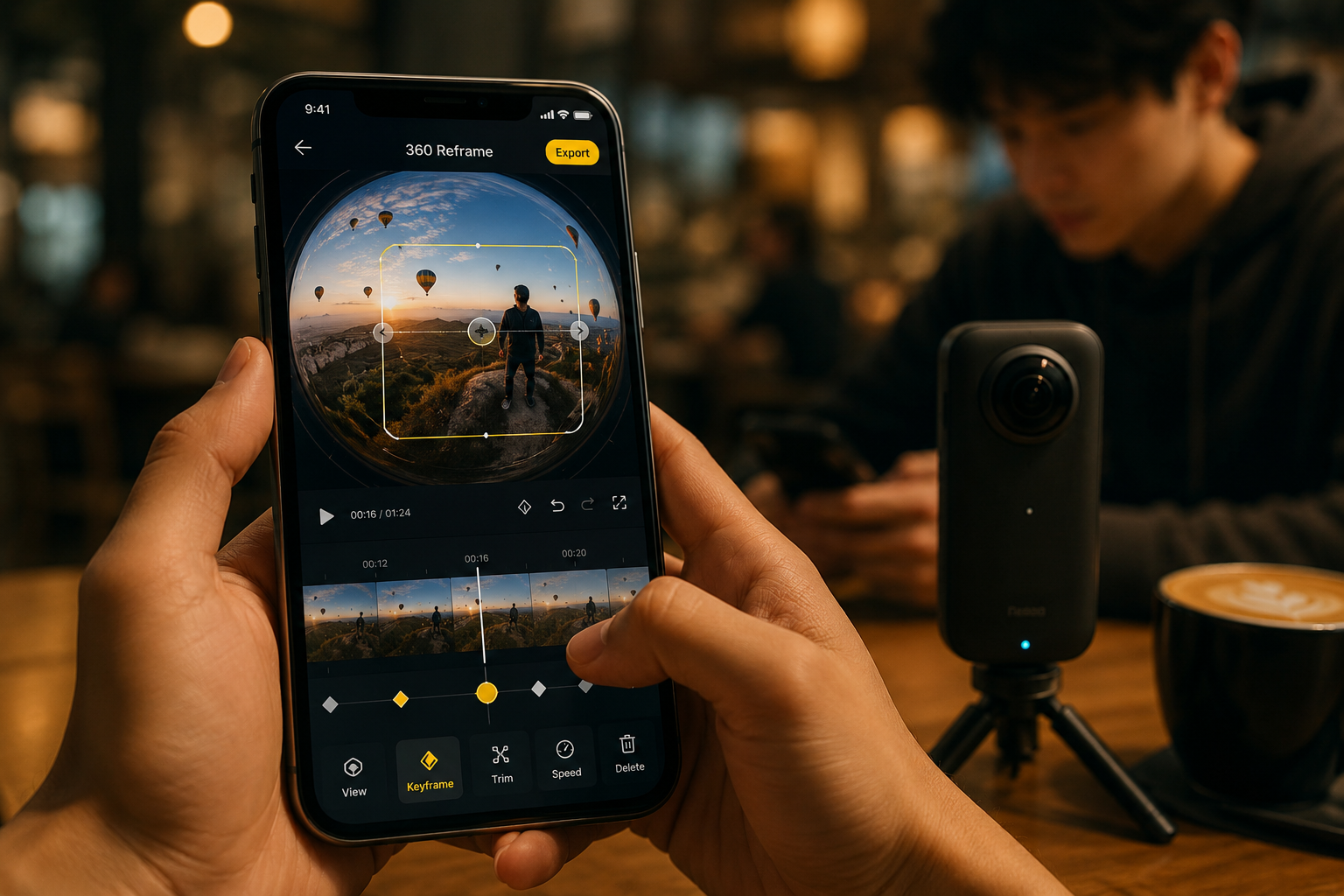
No. For beginners in 2026, the free Insta360 app handles everything on my X3, X4, and X5: stitching, stabilization, reframing, color, music, and export to Instagram, TikTok, or YouTube. You do not need Adobe Premiere or Final Cut to start.
The typical beginner workflow:
- Shoot in 360 mode.
- Transfer clips wirelessly to your phone via the camera's app.
- Use auto-reframe (Insta360 calls it "AI Highlights" or "Shot Lab") to generate a normal 16:9 video automatically.
- Trim, add music, export.
If you eventually want desktop control, Insta360 Studio (free) works on Mac and Windows. For general video polish, CapCut or Filmora both accept reframed 16:9 exports easily.
Insta360 X3 vs X4 vs X5: Which Should a Beginner Buy
For most beginners, the X4 is the safest all-around choice — it balances price, resolution, and stabilization without asking you to pay for low-light headroom you may not need yet. The X3 is the better pick if budget is the deciding factor. The X5 is the right call only if you already know you shoot indoors, at night, or in dim venues often.
| Feature | Insta360 X3 | Insta360 X4 | Insta360 X5 |
|---|---|---|---|
| Price (approx.) | $330 | $499 | $649 |
| Max 360 video | 5.7K | 8K | 8K |
| Sensor size | 1/2-inch | 1/2-inch | 1/1.28-inch |
| Low-light performance | Weakest of the three | Good | Best of the three |
| Waterproof | 33 ft | 33 ft | 49 ft |
| App / workflow | Same as X4/X5 | Same as X3/X5 | Same as X3/X4 |
| Best for | Budget beginners | Most beginners | Low-light shooters, upgraders |
For a deeper look at my current 360 lineup, see the X3 vs X4 comparison and the complete Insta360 X4 review.
Insta360 One X2 vs Ricoh Theta: Which Should I Buy?
Choose the Insta360 One X2 (refurbished) if you want video, action, and travel content on a tight budget. Choose a Ricoh Theta (SC2, X, or Z1) if you want fast, simple 360 photos for real estate, virtual tours, or Google Street View contributions. Neither is gear I currently shoot with, so treat this section as a category comparison rather than a personal recommendation.
| Feature | Insta360 One X2 (refurb) | Ricoh Theta X |
|---|---|---|
| Best use | Video, vlogging, action | Photos, real estate |
| Video quality | 5.7K | 5.7K (weaker stabilization) |
| Waterproof | Yes, 33 ft | No (splash only) |
| Selfie stick handling | Invisible stick works great | No invisible-stick feature |
| Learning curve | Moderate | Very easy |
Can You Use a 360 Camera for Vlogging?
Yes, and it is one of the best beginner vlog tools available. A 360 camera on a short selfie stick gives you a floating, third-person "drone follow" shot that traditional cameras cannot produce without a gimbal or crew.
- Invisible selfie stick: The stick disappears in the final video, creating a hovering camera effect.
- No aiming: You can walk, talk, and gesture without checking a screen.
- Auto-reframe: The app tracks your face and keeps you centered.
- Reframe once, export multiple crops: Vertical for TikTok, horizontal for YouTube from the same clip.
Edge case: If your vlogs are mostly close-up talking-head shots in a fixed spot, a regular 4K camera or phone will look sharper. 360 shines for movement, travel, and outdoor scenes.
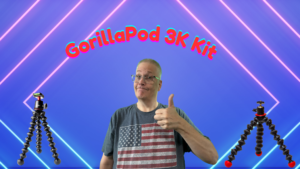
Pair it with a good pocket tripod (I use a Gorillapod 3K) and a wireless lav mic for solid audio, since built-in 360 camera mics are only okay.
How Do I Stabilize 360 Camera Video?
You usually do not have to. Every current beginner 360 camera I own includes on-board stabilization (FlowState on the X-series) that automatically levels the horizon and smooths shake before you even see the footage.
If you still see jitter, try this:
- Enable maximum stabilization in the camera settings before shooting.
- Keep the selfie stick vertical rather than tilted, so the software has clean reference points.
- Use the "lock horizon" option in the mobile app during editing.
- Avoid extreme high-speed panning on foot, which can still introduce warping.
- For biking or vehicles, use a rigid mount, not a flexible one.
You typically do not need a gimbal. That said, for hybrid shooters who also use action cameras, I keep a gimbal for GoPro-style shots in the bag for tighter framing.
What Resolution Do Beginner 360 Cameras Shoot In?
Beginner-friendly 360 cameras in 2026 shoot between 5.7K and 8K in full 360 mode. That sounds high, but remember: when you reframe to a standard 16:9 clip, you are only using a slice of that sphere. So 5.7K 360 roughly equals 1080p reframed, and 8K 360 delivers something close to 4K reframed.
- 5.7K 360 (Insta360 X3, GoPro Max, Ricoh Theta X): Good for Reels, TikTok, casual YouTube.
- 8K 360 (Insta360 X4, X5 — both gear I use): Noticeably sharper reframed clips, near-4K quality.
- 11K 360 (pro-level, not beginner): Overkill for most first-time users.
Decision rule: If you post mostly to phone-first platforms, 5.7K is fine. If you upload to YouTube in 4K or plan to keep footage for years, spend the extra for an 8K model like the X4.
Are 360 Cameras Waterproof?
Most modern beginner 360 cameras are waterproof to about 33 feet (10 meters) without a case — that includes the X3 and X4 I own. The X5 goes further, to about 49 ft (15m). GoPro Max is rated to 16 ft. Ricoh Theta models are generally only splash-resistant and need a housing for real water use.
- Rain, snow, and beach spray are fine on any current Insta360 X-series model.
- Shallow pool, snorkeling, and paddleboarding are fine.
- Scuba diving needs a dedicated dive case (Insta360 sells one for the X-series).
- Saltwater still requires a freshwater rinse afterward.
Common Mistakes Beginners Make With 360 Cameras
The five mistakes I see most often, in order of how much they hurt your footage:
- Not using the invisible selfie stick. People hold the camera in their hand, which creates a huge blurry blob in the middle of every shot. Always use a compatible stick.
- Shooting in low light. 360 cameras use small sensors split across two lenses. Anything dim looks noisy — the X5 handles this best of the three I own, but none of them love a dark bar.
- Skipping the mobile app. Desktop stitching works fine, but the phone app's auto-reframe is where the real time savings are.
- Recording at maximum resolution unnecessarily. 8K files are massive. Shoot 5.7K for social clips to save storage and battery.
- Ignoring lens smudges. A fingerprint on one lens ruins the entire stitch. Wipe both lenses before every shoot.
Bonus mistake: not backing up. 360 files are large, and losing a trip's worth of footage hurts. I use a portable storage solution plus cloud backup after every big shoot.
Can I Use a 360 Camera for Real Estate Photos?
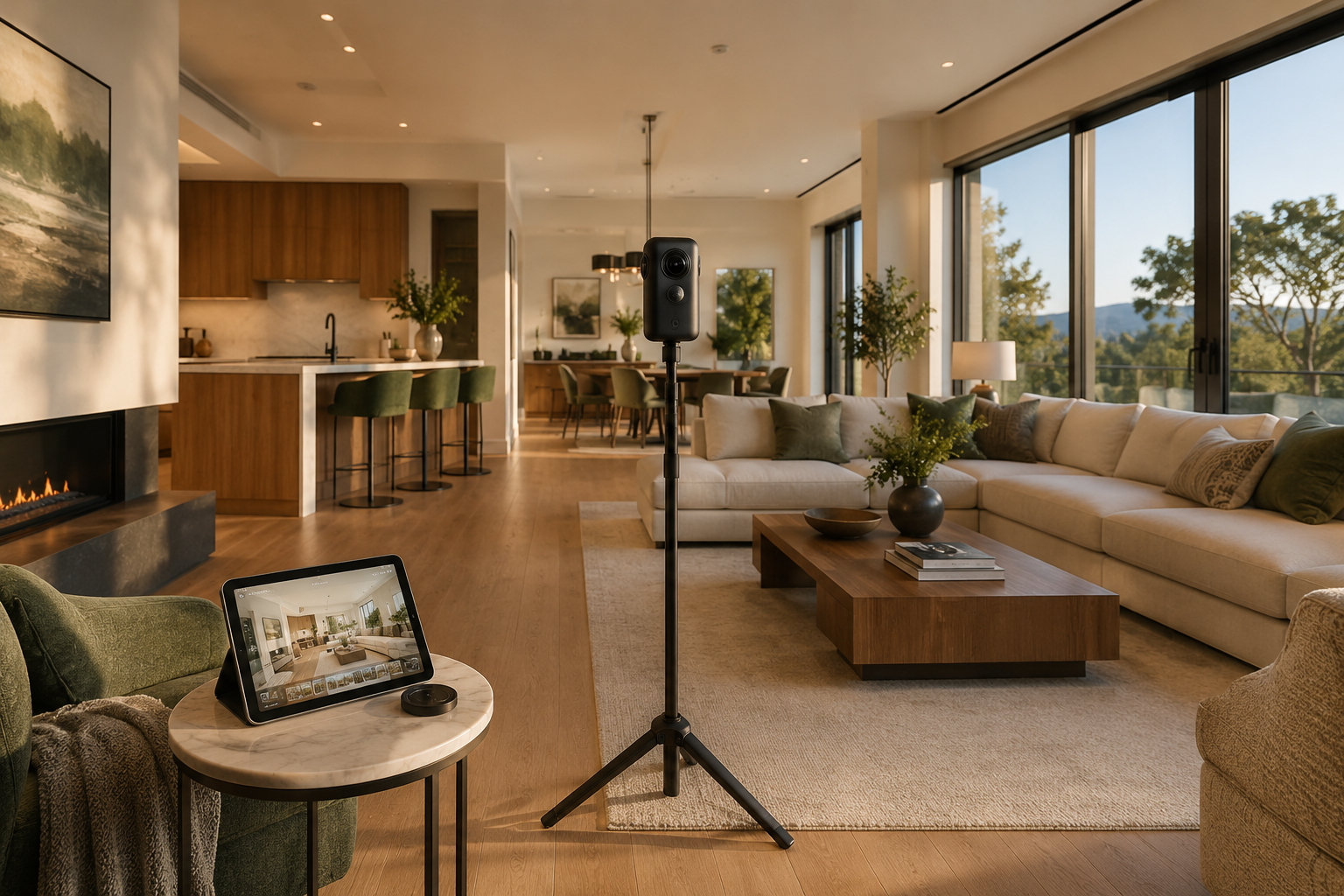
Yes, and it is one of the strongest use cases for beginners. A 360 camera lets you shoot an entire room in one click, then upload the sphere to Zillow, Matterport, or a custom virtual tour platform.
The workflow:
- Set the camera on a tall thin tripod (5–6 ft) in the room's center.
- Step out of the room or hide behind a doorframe (the camera sees everything).
- Trigger the shutter remotely via the app.
- Repeat in every room.
- Upload to your tour software.
Best cameras for this use: Ricoh Theta Z1 (highest still-photo quality, not gear I use), the Insta360 X4 (versatile, gear I use), or a dedicated Matterport Pro camera for high-end listings.
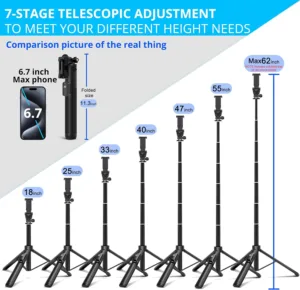
Pair with a sturdy tripod like the Mactrem 74-inch so the camera sits at natural eye level.
How Much Storage Do 360 Videos Take Up?
Roughly 100–140 MB per minute at 5.7K, and 200–280 MB per minute at 8K. A one-hour shoot in 8K can eat 15–17 GB. Plan storage accordingly.
- 64 GB card: Around 4 hours at 5.7K. Fine for a weekend trip.
- 128 GB card: Around 8 hours at 5.7K, 4 hours at 8K. Good all-around.
- 256 GB card: Around 16 hours at 5.7K, 8 hours at 8K. Best for travel.
- 512 GB card: Overkill unless you shoot daily.
Always buy V30 or V60 rated microSD cards. Slower cards drop frames on 8K. I keep a fast micro SD reader in my bag for quick offloads.
Best 360 Camera for Travel and Hiking
The Insta360 X4 is the best travel and hiking 360 camera for beginners in 2026 — it is what I personally pack. It offers 8K 360 video, 33 ft waterproofing, a replaceable battery good for around 135 minutes, and a rugged body that survives being tossed in a backpack.
- Lightweight and pocketable with the selfie stick collapsed.
- Replaceable battery means you can carry spares instead of hunting for outlets.
- Waterproof without a case, so surprise rain in the mountains is not a crisis.
- AI highlights auto-generate a travel montage from a full day's footage.
Runners-up: the X5 if low light matters to your trip, or the X3 if budget is the priority — both also gear I use.
For a broader travel-camera view including non-360 options, see my 2025 best travel cameras roundup.
Do 360 Cameras Work in Low Light?
Not really — with one caveat. Low light is the biggest weakness of most consumer 360 cameras in 2026. The dual small sensors and ultra-wide lenses collect less light than a single-lens camera, so evening shots get grainy fast. The X5 is the exception in my kit: its larger sensors make a real, visible difference after dark, though it still will not match a dedicated low-light camera.
- Golden hour and overcast daylight: Excellent on any model.
- Bright indoor scenes (near a window): Good.
- Standard indoor lighting: Acceptable on X4/X5, more noise on X3.
- Restaurants, bars, night streets: Noticeably grainy on X3/X4, better on X5.
- True darkness: Unusable on any of them.
If low light matters more than 360 capture, look at a compact camera like the Sony RX100 VII instead.
Comparison Table: Best 360 Cameras for Beginners in 2026
| Camera | Price | Max Res | Waterproof | Best For |
|---|---|---|---|---|
| Insta360 X4 — gear I use | $499 | 8K 360 | 33 ft | Overall best for beginners |
| Insta360 X3 — gear I use | $330 | 5.7K 360 | 33 ft | Budget pick |
| Insta360 X5 — gear I use | $649 | 8K 360 | 49 ft | Low light, future-proofing |
| GoPro Max | $399 | 5.6K 360 | 16 ft | GoPro ecosystem |
| Ricoh Theta X | $799 | 5.7K 360 | No | Real estate |
| Kandao QooCam 3 | $349 | 5.7K 360 | 65 ft | Underwater |
Beginner Setup Checklist
Before your first shoot:
- Charge camera and one spare battery.
- Install the mobile app and pair via Bluetooth/Wi-Fi.
- Insert a V30 or better microSD card (128 GB minimum).
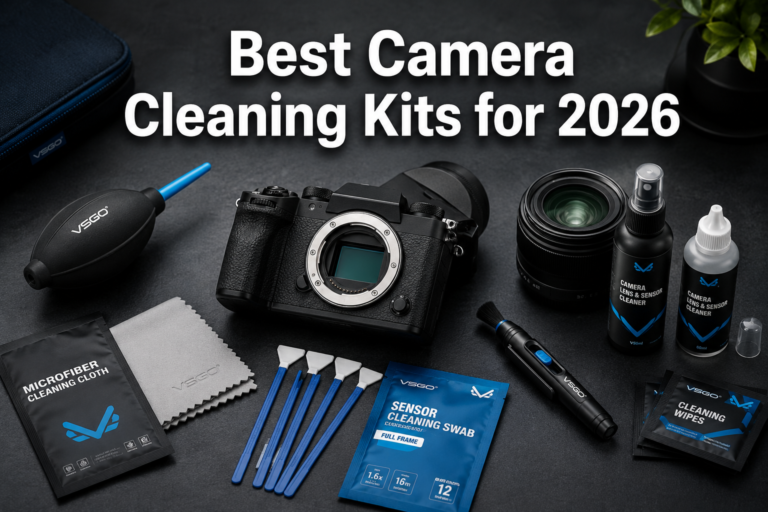
- Wipe both lenses with a microfiber cloth.
- Attach an invisible selfie stick (never handhold).
- Set video mode to 5.7K@30fps for a balance of quality and file size.
- Turn on FlowState stabilization.
- Turn on horizon leveling.
- Do a 30-second test clip and preview in the app.
Frequently Asked Questions
The Insta360 X4 is my top pick in 2026 for its 8K 360 capture, strong stabilization, waterproof build, and beginner-friendly mobile app — and it's gear I personally shoot with.
No. I own the X3, X4, and X5, and the app and workflow are identical across all three. The X5 is not harder to use — it's just more camera (and more money) than most beginners need on day one. If you already shoot a lot after dark, it's worth the jump.
Yes. The Insta360 app has auto-reframe modes that produce a ready-to-share vertical or horizontal video with no manual editing.
Most current models get 80–135 minutes of continuous 5.7K recording. Carry at least one spare for a full day of shooting.
You can shoot without one, but the phone app is where most of the editing happens. Beginners should plan to use it.
Yes. All major platforms accept reframed 16:9 or 9:16 exports. YouTube also supports native 360 uploads with viewer pan-and-tilt.
Yes, the Insta360 X-series and GoPro Max both support 360 or reframed livestreams to YouTube and Facebook, though setup is more advanced.
An invisible selfie stick, a fast 128 GB microSD card, one spare battery, and a small tripod. That's it to start.
Absolutely. Shoot in 360, reframe to vertical in the app, and export. It's one of the fastest workflows for vertical content.
Manufacturer-refurbished units from Insta360 or GoPro directly are safe and typically save 20–30%. Avoid unknown third-party sellers.
Conclusion and Next Steps
If you want one recommendation and done: buy the Insta360 X4, a 128 GB V30 microSD card, and an invisible selfie stick. That combo covers 90% of what a beginner needs for travel, vlogging, and everyday 360 capture in 2026 — and it's exactly what I'd hand a friend who's starting out.
On a tighter budget? The Insta360 X3 at around $330 gets you 80% of the experience for 65% of the price. Want the newest tech and shoot a lot after dark? The X5 is worth the jump — you already know how to use it, since the app hasn't changed. Focused on real estate? The Ricoh Theta X is the simplest workflow. Going underwater? The Kandao QooCam 3 wins on depth rating.
Your next steps:
1. Pick your camera based on the comparison table above
2. Order a fast microSD card (128 GB minimum) at the same time
3. Download the mobile app before the camera arrives so you're ready
4. Shoot a test day locally before any big trip
5. Practice the invisible selfie stick technique until it feels natural
The learning curve is shorter than most people think. Within a weekend, you'll be producing shots that used to require a drone, a gimbal, and a second camera operator. That's the real reason 360 has become one of the best entry points into creative video in 2026.
Every 360 camera named "gear I use" in this article is one I personally own and shoot with — if this guide helped you pick the right one, check out more of my honest, unsponsored recommendations below.
Thanks for reading — I appreciate you
Unbiased & Unboxed